How to Make Your First Deposit on RK Cosmos with Maya
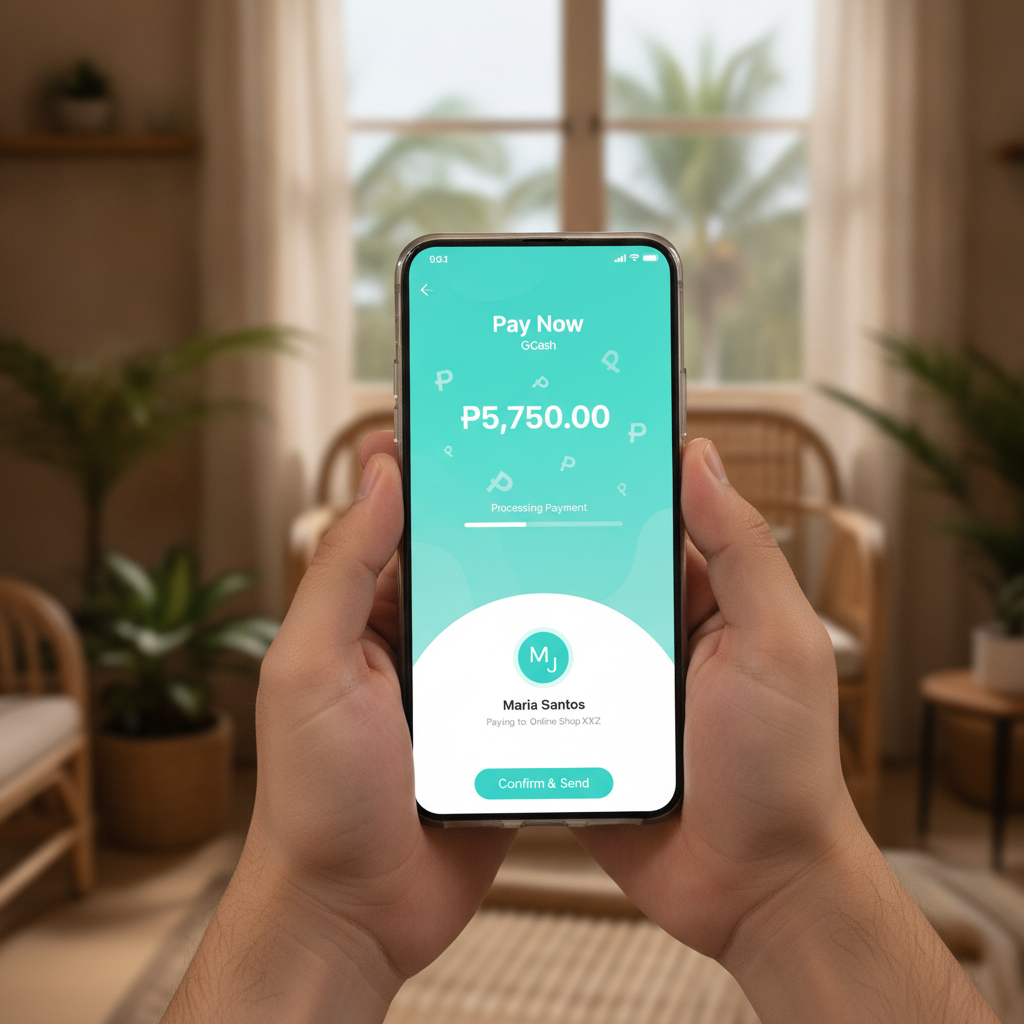
Making your first deposit on RK Cosmos using Maya is straightforward once you know the steps. This guide walks Filipino players through the entire process, from preparation to confirmation that your funds have arrived.
What Maya Users Need to Know Before Depositing at RK Cosmos
Before you start the deposit process, make sure you have an active Maya account with sufficient balance. Your Maya wallet should be fully verified—Maya requires identity verification for most transactions, and incomplete verification may cause deposit delays or failures.
Check that your RK Cosmos account is registered and verified. The platform typically asks for your full name, mobile number, and date of birth during sign-up. The name on your RK Cosmos account should match the name on your Maya account to avoid processing issues.
Ensure you have a stable internet connection. Mobile data or Wi-Fi both work, but interruptions during the payment process can lead to confusion about whether your deposit went through.
Know the minimum deposit amount for Maya transactions on RK Cosmos. While the platform accepts deposits starting from PHP 100, always confirm the current minimum on the deposit page, as requirements can change.
Finally, have your Maya app installed and your PIN or biometric login ready. You will need to authorize the transaction inside the Maya app, so keep your phone unlocked and the app accessible.
Complete Walkthrough: Navigating the Deposit Page and Entering Maya Details
Log in to your RK Cosmos account. On mobile, tap the menu icon (usually three horizontal lines) at the top of the screen, then select Deposit or Cashier. On some layouts, the deposit button sits directly on the home screen or in a quick-access toolbar.
Once the deposit page loads, you will see a list of payment methods. Scroll through the options and tap Maya. If you see multiple e-wallet logos grouped together, look for the Maya logo—a teal and white design with the Maya wordmark.
The page will now ask you to enter the deposit amount. Type in the number of pesos you wish to add to your RK Cosmos balance. The system usually displays the minimum and maximum limits just above or below the input field. For most players making a first deposit, amounts between PHP 100 and PHP 500 are typical.
Double-check the amount. A common mistake is adding an extra zero or missing a digit. Once you are certain, tap Continue, Next, or Proceed—button labels vary slightly depending on when RK Cosmos last updated its interface.
You will be redirected to a confirmation screen showing the deposit amount, payment method (Maya), and any applicable fees. RK Cosmos does not usually charge deposit fees for Maya transactions, but always review this screen to be sure. If everything looks correct, tap Confirm Deposit or Submit.
At this point, the RK Cosmos site will hand off the transaction to Maya's payment gateway. Your screen should redirect to a Maya-branded page or open the Maya app directly if you are on an Android phone with the app installed.
In the Maya interface, log in using your PIN, fingerprint, or face unlock. You will see a payment request summary showing RK Cosmos (or the payment processor name) as the recipient and the amount you entered. Review these details one more time.
Tap Pay Now or Confirm. Maya will process the transaction and display a success message. Take a screenshot of this confirmation screen—it serves as proof of payment if you need to contact RK Cosmos support later.
The Maya gateway will then redirect you back to the RK Cosmos site. If the redirect does not happen automatically after a few seconds, look for a Return to Merchant button and tap it. You should land on a success page within RK Cosmos showing your deposit reference number.
Typical Deposit Times and How to Confirm Funds Arrived
Most Maya deposits to RK Cosmos are instant. The funds usually appear in your casino balance within one to three minutes. During peak hours—evenings and weekends when many players are online—processing may take up to five minutes.
After completing the Maya payment, return to the RK Cosmos home screen and check the balance display at the top of the page. Refresh the page by swiping down or tapping the refresh icon if your balance has not updated yet. On mobile browsers, you may need to navigate away and back to the cashier or lobby to trigger a balance refresh.
If your deposit does not appear within five minutes, tap on your account menu and select Transaction History or Deposit History. Look for the transaction you just made. If it shows as Pending, wait a few more minutes and refresh. If it shows as Completed but the balance has not updated, log out of RK Cosmos and log back in.
In rare cases, a deposit may take up to 15 minutes due to temporary connectivity issues between Maya and RK Cosmos. If your funds have not arrived after 15 minutes and your Maya transaction history shows the payment was successful, contact RK Cosmos customer support through live chat. Provide your deposit reference number and the screenshot you took from Maya.
You will receive a confirmation via SMS or email if you have notifications enabled on RK Cosmos. This message includes the deposit amount, transaction ID, and timestamp. Keep this for your records.
Minimum Deposit Requirements for Maya Transactions
RK Cosmos sets a minimum deposit of PHP 100 for Maya transactions. This amount is standard across most Philippine online casinos and makes the platform accessible to casual players.
There is also a maximum deposit limit per transaction, typically ranging from PHP 10,000 to PHP 50,000 depending on your account status and verification level. New players usually start with a lower maximum, which can increase once you complete full identity verification and have a transaction history on the platform.
Maya itself imposes daily and monthly sending limits based on your account tier. If you have a basic Maya account, your daily sending limit may be lower than what RK Cosmos allows per transaction. Upgrade your Maya account to a fully verified status to unlock higher limits.
Deposits below PHP 100 will be rejected automatically, and you will see an error message asking you to enter a higher amount. If you accidentally enter an amount below the minimum, simply correct it and resubmit.
Some promotions or bonus offers on RK Cosmos may require a higher minimum deposit to qualify—for example, PHP 200 or PHP 300. Always read the terms of any offer before depositing if you plan to claim a bonus. This guide focuses solely on the deposit mechanics; for bonus details, refer to dedicated promo guides.
Important Reminders: Age Restrictions and Responsible Gambling
RK Cosmos is strictly for players aged 21 and over. By creating an account and making a deposit, you confirm that you meet this age requirement. The platform may request a valid government-issued ID at any time to verify your age and identity.
Deposit only what you can afford to lose. Online casino games, sports betting, and bingo are forms of entertainment that carry financial risk. Set a personal budget before you play, and use Maya's transaction limits or RK Cosmos deposit limits to help you stick to it.
If you feel that gambling is becoming a problem, take a break. RK Cosmos offers self-exclusion and cooling-off options in the account settings. You can also reach out to local support organizations for guidance on responsible gambling.
Keep your login credentials and Maya PIN secure. Never share your RK Cosmos password or Maya OTP with anyone. Protect your account by enabling two-factor authentication if RK Cosmos offers it, and always log out after each session, especially on shared or public devices.
This guide is provided for informational purposes by an independent source and is not affiliated with or endorsed by RK Cosmos. Always refer to the official RK Cosmos website for the most current deposit methods, limits, and terms of service.